
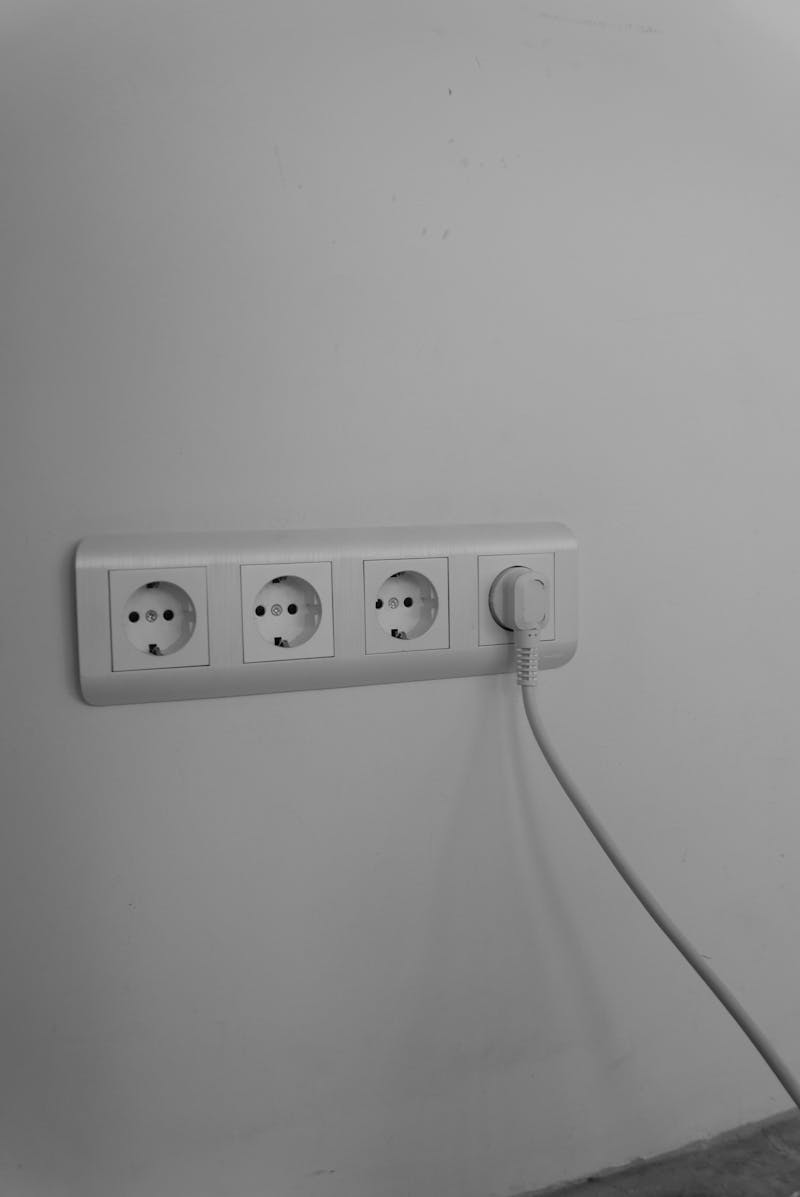
"I wish I'd put fewer power points in" — said nobody, ever.
Not enough power points is the single most common regret people have after building or renovating a home. It leads to power boards snaking across floors, extension leads running along skirting boards, and the endless frustration of unplugging one thing to plug in another.
The good news: getting power point placement right is simple if you plan it properly. The bad news: most people don't plan it at all, and by the time the walls are lined and painted, it's too late to add more without significant expense.
This guide gives you a room-by-room breakdown of where to put power points, how many you actually need, and the details that make the difference between "just enough" and "perfectly planned."
The Golden Rules of Power Point Placement
Before diving into specific rooms, here are the principles that apply everywhere:
- More is always better (and cheaper now): An extra power point during construction costs $100–$180. Adding one after the walls are finished costs $200–$350+. Install more than you think you need
- Think about furniture placement: Power points behind furniture are useless. Plan your layout first, then position power points to be accessible
- Every wall should have at least one: Even walls you think won't need power may eventually — as furniture gets rearranged, Christmas trees go up, or your needs change
- Always use double power points: The cost difference between a single and double is minimal ($10–$20 for the plate), but double outlets give you twice the flexibility
- Consider appliance positions: Map out where specific appliances will go (TV, fridge, washing machine, oven) and put dedicated power points in those exact locations
- Don't forget the outside: Outdoor power points for garden lights, pressure washers, pool pumps, and entertaining areas are easy to include during construction but expensive to add later
Room-by-Room Power Point Guide
Kitchen (8–12 Double Power Points)
The kitchen is the most power-hungry room in a modern home. Between fixed appliances, benchtop appliances, and charging devices, you need more power points here than anywhere else.
Benchtop Power Points
- Minimum 4 doubles above the benchtop: These serve your kettle, toaster, coffee machine, blender, food processor, stand mixer, and whatever else you use daily
- Position: 150mm above the bench surface is standard. Space them evenly along working sections of the bench, avoiding positions directly behind the sink or cooktop
- Tip: Walk through a typical morning routine — kettle on, coffee machine running, toaster going, phone charging on the bench. If any of those require unplugging something else, you need more points
Fixed Appliance Power Points
- Fridge: Dedicated single power point behind or beside the fridge. Position it so the plug doesn't prevent the fridge from sitting flush against the wall
- Oven: Hardwired connection or dedicated power point, depending on the oven. Electric ovens typically draw 20–32A and need a dedicated circuit from the switchboard
- Dishwasher: Dedicated power point inside the adjacent cabinet (accessible with the dishwasher pulled out)
- Rangehood: Power point above the rangehood, concealed inside the cabinetry or bulkhead
- Microwave: Dedicated power point where the microwave will sit — in a pantry cupboard, on the bench, or in a microwave niche
Often Forgotten
- Inside the pantry (for a charging station or small appliance storage)
- On the island bench (if you have one — requires a floor conduit run during construction)
- Under the sink area (for waste disposal unit, water filter, or instant hot water tap)
Living Room (6–8 Double Power Points)
- TV wall: At least 2 doubles behind the TV position — one for the TV and one for associated equipment (soundbar, streaming device, gaming console). Include a data point here too. If wall-mounting the TV, position the power point at 1100–1200mm height behind where the TV will hang
- Sofa positions: 1 double on each side of where the sofa will go — for phone chargers, table lamps, and laptop charging. These get used constantly
- Each remaining wall: At least 1 double per wall for lamps, vacuum cleaner access, and future flexibility
- Floor power point: If you have a large room with a couch in the middle (not against a wall), consider a floor-mounted power point. These are installed during slab or subfloor stage only
Master Bedroom (6–8 Double Power Points)
- Each bedside: 1 double per side of the bed — for phone charger, bedside lamp, and a CPAP machine or similar. Position at 600mm height (above bedside table level) for easy access
- Dressing table / vanity position: 1 double for hair dryer, straightener, or grooming devices
- TV position (if applicable): 1–2 doubles at wall-mount height
- Wardrobe: 1 double inside a walk-in wardrobe for a steamer, iron, or wardrobe lighting
- General walls: 1–2 doubles for vacuum access, fan heater, or air purifier
Other Bedrooms (4–6 Double Power Points Each)
- Bedside: 1 double on each side of the likely bed position
- Desk position: 1–2 doubles where a desk might go (especially for children's rooms that will eventually need a study area)
- General: 1–2 doubles on remaining walls
- Think ahead: A child's bedroom today becomes a teenager's room with a computer, monitor, gaming setup, and phone charger. Plan accordingly
Home Office (6–8 Double Power Points)
If you work from home, the office needs as many power points as the kitchen:
- Desk area: 3–4 doubles — computer, monitor(s), desk lamp, phone charger, printer, and various peripherals
- Position: Some at desk height (for easy access), some at floor level (for equipment that stays plugged in permanently)
- Opposite wall: 1–2 doubles for a printer stand, bookshelf lighting, or additional equipment
- Data points: At least 2 Cat 6A data points at the desk for hardwired internet and VOIP phone
Bathroom (1–2 Double Power Points)
- Power points must be in Zone 3 — at least 600mm from the bath or shower edge (see our bathroom electrical guide)
- 1 double near the vanity for hair dryer, electric toothbrush charger, and electric shaver
- Consider a second point if you have a separate toilet area or large bathroom
- All bathroom power points must be RCD protected
Laundry (3–4 Double Power Points)
- Washing machine: Dedicated power point (accessible when the machine is in place)
- Dryer: Dedicated power point (heat-pump dryers need standard 10A; older dryers may need 15A or 20A)
- Benchtop: 1–2 doubles above the laundry bench for iron, steamer, or folding activities
- Hot water system: If electric, requires a dedicated hardwired connection or high-amperage outlet
Garage (4–6 Double Power Points)
- Workbench area: 2–3 doubles at bench height for power tools, compressor, battery chargers
- General walls: 1–2 doubles for vacuum, fridge/freezer, and general use
- EV charger provision: Even if you don't have an electric car yet, run a dedicated circuit to the garage wall now. The cable and circuit cost is minimal during construction but significant to retrofit
- Garage door opener: Power point on the ceiling near the garage door motor
Outdoor Areas (2–4 Double Power Points)
- Entertaining area: 1–2 weatherproof doubles for outdoor kitchen, speakers, festoon lights, and electric heaters
- Front of house: 1 weatherproof double for Christmas lights, pressure washer, or garden equipment
- Rear garden: 1 weatherproof double for garden lighting transformer, pool equipment, or power tools
- All outdoor power points must be weatherproof (IP53 minimum) and RCD protected
Hallways and Transitional Spaces (2–4 Double Power Points)
- At least 1 double in the main hallway for a vacuum cleaner without needing a long cord
- 1 double near the front entrance for a console table lamp, phone charging station, or smart home hub
- Stairway landing: 1 double for a lamp or vacuum access
Special Considerations
Heights and Positions
- Standard height: 300mm from finished floor to centre of power point
- Kitchen bench: 150mm above bench surface (approximately 1050mm from floor)
- Wall-mounted TV: 1100–1200mm from floor (centred behind the TV)
- Bedside: 600mm from floor (above bedside table height)
- Accessible installations: 450–600mm from floor for wheelchair access
Dedicated Circuits
Some appliances need their own dedicated circuit from the switchboard — they can't share with other power points:
- Electric oven (20A or 32A dedicated circuit)
- Electric cooktop (32A dedicated circuit)
- Electric hot water system (dedicated circuit)
- Air conditioning units (dedicated circuit per unit)
- EV charger (dedicated circuit, typically 32A)
- Electric underfloor heating (dedicated circuit)
Frequently Asked Questions
How many power points does a house need?
A typical 3-bedroom house in Sydney needs approximately 40–60 double power points for comfortable modern living. This breaks down roughly as: living room (6–8), kitchen (8–12), master bedroom (6–8), other bedrooms (4–6 each), bathroom (1–2 each), laundry (3–4), home office (6–8), hallways (2–4), garage (4–6), and outdoor areas (2–4). The exact number depends on your lifestyle and how many devices and appliances you use.
What is the standard height for power points in Australia?
The standard height for general power points in Australia is 300mm from the finished floor to the centre of the power point. However, there's no fixed regulatory height — 300mm is convention. Kitchen bench power points are typically at 150mm above the bench surface (approximately 1050mm from the floor). Power points for wall-mounted TVs are usually at 1100–1200mm. Accessible installations (for people with mobility limitations) use 450–600mm height.
Should I install USB power points?
USB-A power points are becoming less useful as devices shift to USB-C. If you want built-in USB charging, choose power points with USB-C ports (and ideally USB-C PD for faster charging). Install them in high-use locations: bedside tables, kitchen bench areas, home office desks, and living room charging spots. However, technology changes fast — a standard power point with a good USB-C charger plugged in is more adaptable than a built-in USB port that may become obsolete.
How much does it cost to add a power point during a renovation?
Adding a power point during new construction or renovation (when walls are open) costs $100–$180 per double power point. Adding a power point to an existing finished wall costs more — typically $200–$350 — because the electrician needs to run cable through the wall cavity and may need to cut and patch plaster. This is why planning power point locations before walls are lined saves significant money.
Can I have too many power points?
In practical terms, no. The incremental cost of adding extra power points during construction is low ($100–$180 each when walls are open), while adding them later is expensive ($200–$350+ each). You're far more likely to regret not having enough power points than having too many. The golden rule: if you're thinking about putting a power point somewhere, do it. You'll almost certainly use it eventually.
Plan Your Power Points Right
The best time to plan power point placement is before the walls go up. Call Randwick Electrical on 0413 707 758 to discuss your new build or renovation. We'll walk through your floor plans room by room and make sure you have power points in all the right places — and enough of them to never need an extension lead again.