
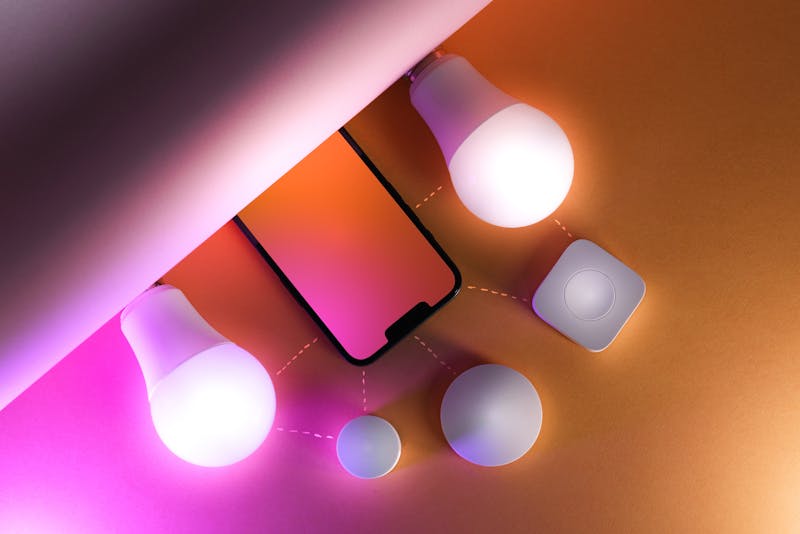
The best time to wire for smart home technology is during construction or renovation — when walls are open and cable runs are easy. Retrofitting later is possible but more expensive and disruptive. Here's what to pre-wire now, even if you don't plan to use smart tech immediately.
The Golden Rule: Run Cable Now, Use Later
Even if you're not installing smart home devices right away, running cables (or at minimum, empty conduit) during construction is cheap — typically $50-$100 per cable run. Adding the same cable after walls are closed can cost $200-$500+ due to fishing cables through finished walls and patching holes.
Essential Pre-Wiring
1. Structured Data Cabling
Cat6 cable to every room is the backbone of any smart home. Run at least:
- One Cat6 to every room with a TV or entertainment equipment
- Two Cat6 to the home office (one for computer, one spare)
- Cat6 to ceiling locations for wireless access points (typically hallway ceilings, central locations)
- Cat6 to external camera locations (IP cameras with PoE)
- All cables home-run back to a central location (media cabinet or comms rack)
2. Smart Lighting Pre-Wire
Smart lighting can work wirelessly (Hue, LIFX), but hard-wired smart switches offer better reliability. Pre-wire for:
- Neutral wire at every switch location — many smart switches require a neutral wire, which older homes don't have at the switch. In new construction, ensure neutral is available at every switch box
- Extra switch loops — run additional switch wires to locations where you might want future lighting zones
- Dimmer-compatible wiring — ensure all lighting circuits can support dimmers (separate neutral, appropriate cable sizing)
3. Security Camera Locations
Plan camera positions and run Cat6 cable to each location:
- Front door / entry
- Rear of property
- Driveway / garage entrance
- Side passage
- Pool area (if applicable)
Cat6 with PoE (Power over Ethernet) powers the camera through the data cable, eliminating the need for separate power at each camera location.
4. Motorised Blind/Curtain Power
Motorised blinds and curtains are increasingly popular. Each window that might get motorised treatments needs a power point — typically a concealed outlet behind the pelmet or at the top corner of the window frame. These are almost impossible to add neatly after construction.
5. Home Audio
If you're considering multi-room audio:
- Cat6 or speaker cable to ceiling locations in each room (for in-ceiling speakers)
- Power + Cat6 to locations for standalone smart speakers or amplifiers
- All cables back to a central amplifier location
Future-Proofing Extras
- Conduit runs — even if you don't run cable now, empty conduit tubes from the roof space to key wall locations allow future cable additions without opening walls
- USB-C power points — install at bedside and desk locations now. USB-A is being phased out
- EV charger prep — run a 10mm² cable from the switchboard to the garage or parking location, even if you don't install a charger yet. Future-proofing is trivial now and expensive later
- Larger switchboard — specify a board with 30-40% spare capacity. Extra circuits for future smart home devices are cheap during installation
Smart Home Wiring Cost Guide
- During construction: $3,000–$8,000 for comprehensive pre-wiring (data, cameras, blinds, audio prep, larger board)
- Retrofit after construction: Same scope costs $8,000–$20,000+ due to access difficulty
The message is clear: pre-wire during construction or renovation is 2-3x cheaper than retrofitting.
Planning a new build or renovation? Call Randwick Electrical on 0413 707 758 to discuss smart home pre-wiring before your walls close up.